Agent links
Request, approve, monitor, and revoke the portal route that permits two Banalytics Agents to negotiate a direct WebRTC connection.
Choose the initiator and identify the listener
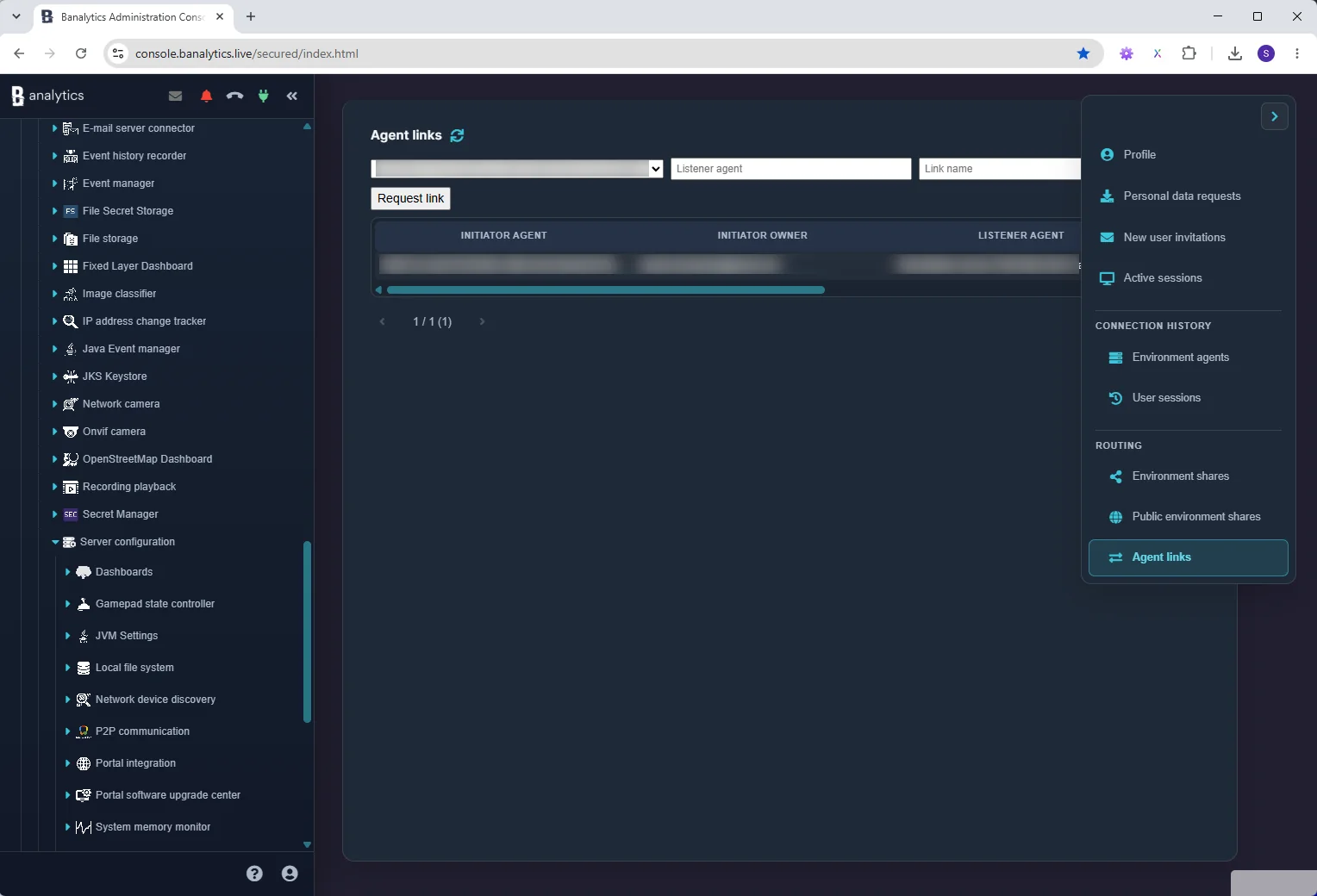
Open Profile → Routing → Agent links. Select one of your own Agents as the initiator, enter the listener Agent UUID, optionally add a link name, and select Request link.
Monitor status and signalling counters
The list identifies both Agents and owners, route status, relayed signalling messages, and blocked messages. The listener owner can accept or decline a pending request. Either authorised owner can remove a route after confirmation.
Deleting the route stops new signalling between the pair and drops an established Agent connection. A declined record must be deleted before the same link can be requested again.
Configure Agent Connector after the route is active
The Portal route authorises signalling; it does not select or forward application events. Configure an Agent Connector on the participating Agents to exchange the required events through the resulting WebRTC data channel.